Update, Feb 18 2026: This project grew into Agent Peeper, which now watches both Claude Code and Pi agents. Filesystem polling, no hook setup required. Read about it here.
I had an n8n workflow that calls Claude Code in headless mode. The -p flag, no terminal, no interactive session. It ran for twelve minutes. I had no idea if it was working, stuck in a loop, or waiting for something it would never get. The n8n node showed “running.” That was the extent of my observability.
I killed it and started over. Then it happened again with a different workflow. And again when I was testing Ralphio running headless. Same problem every time: Claude is doing something, somewhere, and I have no window into it.
The Blind Spot
The -p flag is great for automation. Pipe in a prompt, get output, wire it into whatever workflow you want. But it strips away the one thing the interactive terminal gives you: being able to see what Claude is doing while it’s doing it.
If Claude gets stuck reasoning about a file that doesn’t exist, you don’t know. If it’s making tool calls that are failing and retrying, you don’t know. Maybe it finished three minutes ago and something else in your pipeline is the actual bottleneck. No way to tell. You wait, or you kill it.
Claude Code Watcher
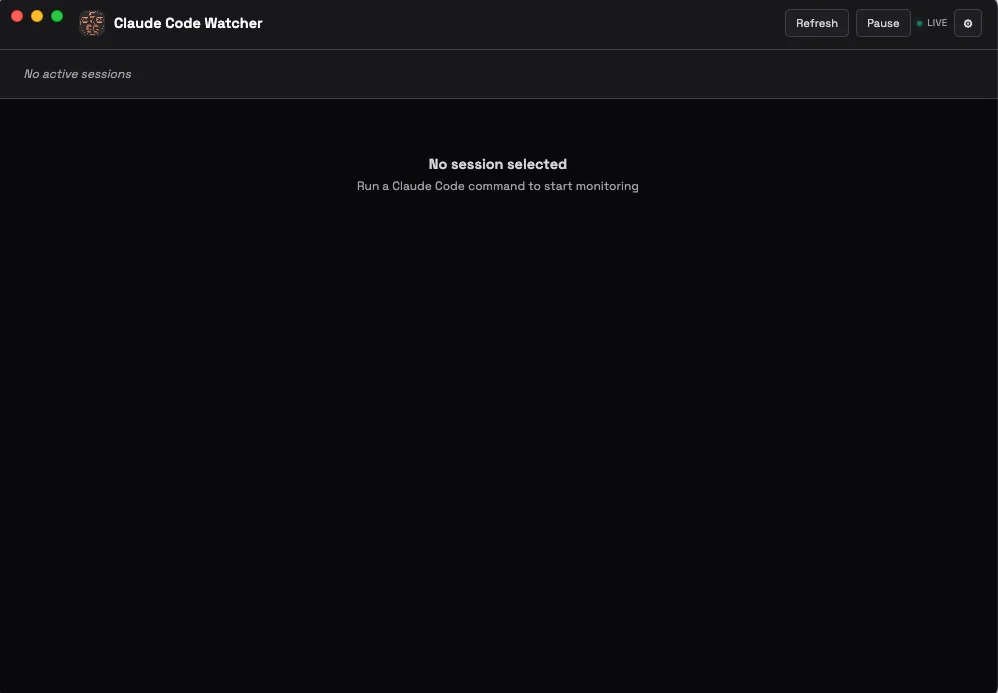
I built an Electron app that reads Claude Code’s transcript files from disk and displays them in a live-updating dashboard. That’s it. One-way monitoring. You watch, you don’t interact. Multiple sessions show up as tabs. There’s a pause button if you need to read something before it scrolls away. Dark and light themes because I had the CSS variables already.
How It Works
Three layers.
Claude Code has a hooks system. You configure shell commands that fire at specific points in Claude’s lifecycle. I use three: PreToolUse (before a tool call), PostToolUse (after a tool call), and Stop (when Claude finishes). Each one triggers a script called monitor.js.
The hooks config in ~/.claude/settings.json looks like this:
{
  "hooks": {
    "PreToolUse": [{
      "matcher": "*",
      "hooks": [{
        "type": "command",
        "command": "node \"$HOME/.claude/monitor.js\" pre_tool"
      }]
    }],
    "PostToolUse": [{
      "matcher": "*",
      "hooks": [{
        "type": "command",
        "command": "node \"$HOME/.claude/monitor.js\" post_tool"
      }]
    }],
    "Stop": [{
      "matcher": "*",
      "hooks": [{
        "type": "command",
        "command": "node \"$HOME/.claude/monitor.js\" stop"
      }]
    }]
  }
}
monitor.js maintains a session registry at ~/.claude/active-sessions.json. Every time a hook fires, the script writes the session ID, the path to its transcript file, the project name, and a timestamp. Sessions expire after 5 minutes of inactivity. Old ones get cleaned up when new ones come in.
The transcript files themselves are JSONL. Claude Code writes one at ~/.claude/projects/[project]/[session-id].jsonl. Each line is a JSON object with a type (assistant or user), a message containing content blocks, and a timestamp. Content blocks can be text (Claude’s response), thinking (extended reasoning), tool_use (a tool call with name and input), or tool_result (output from the tool).
The Electron app polls active-sessions.json every 5 seconds to find sessions, then polls each session’s transcript file every 2 seconds for new entries. Messages render newest-first. The renderer can’t touch the filesystem directly. Everything goes through IPC calls to the main process via a preload script using contextBridge.
Setup
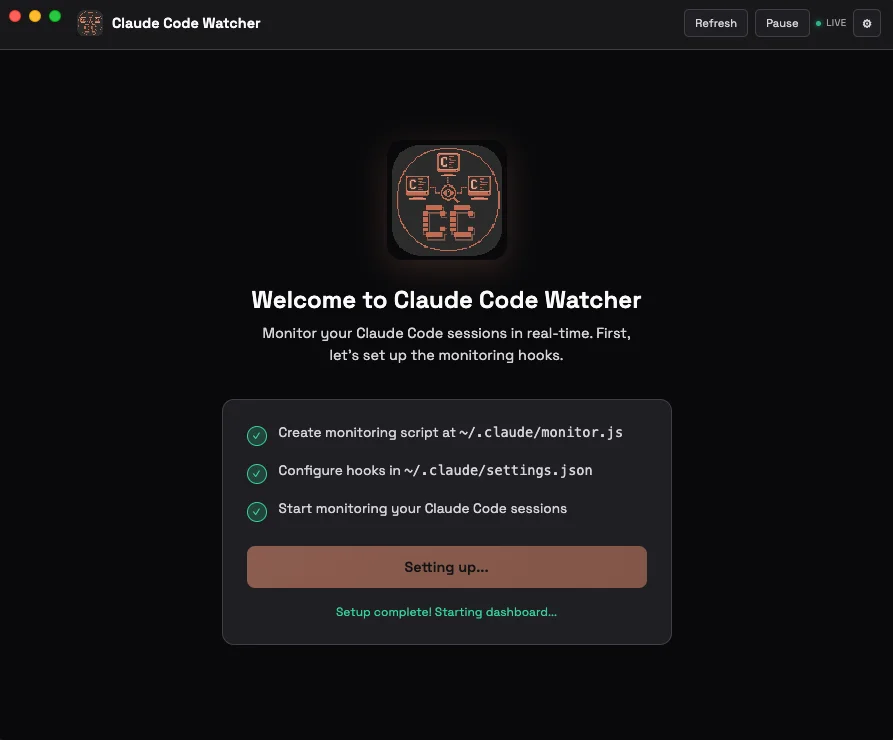
First launch shows a setup screen. Click one button. It copies monitor.js to ~/.claude/ and adds the hook configuration to settings.json. Done.
For development it’s npm start. To build a macOS app: npm run build:dir. If macOS complains about an unidentified developer (it will), run xattr -cr "/Applications/Claude Code Watcher.app" and move on.
The whole thing is on GitHub. MIT license.